


Receiptify XAPK
Yahor V
- Version
- 1.0.4
- Size
- 61.6 MB
- Android
- 5.0+
- Category
- Music
Screenshots
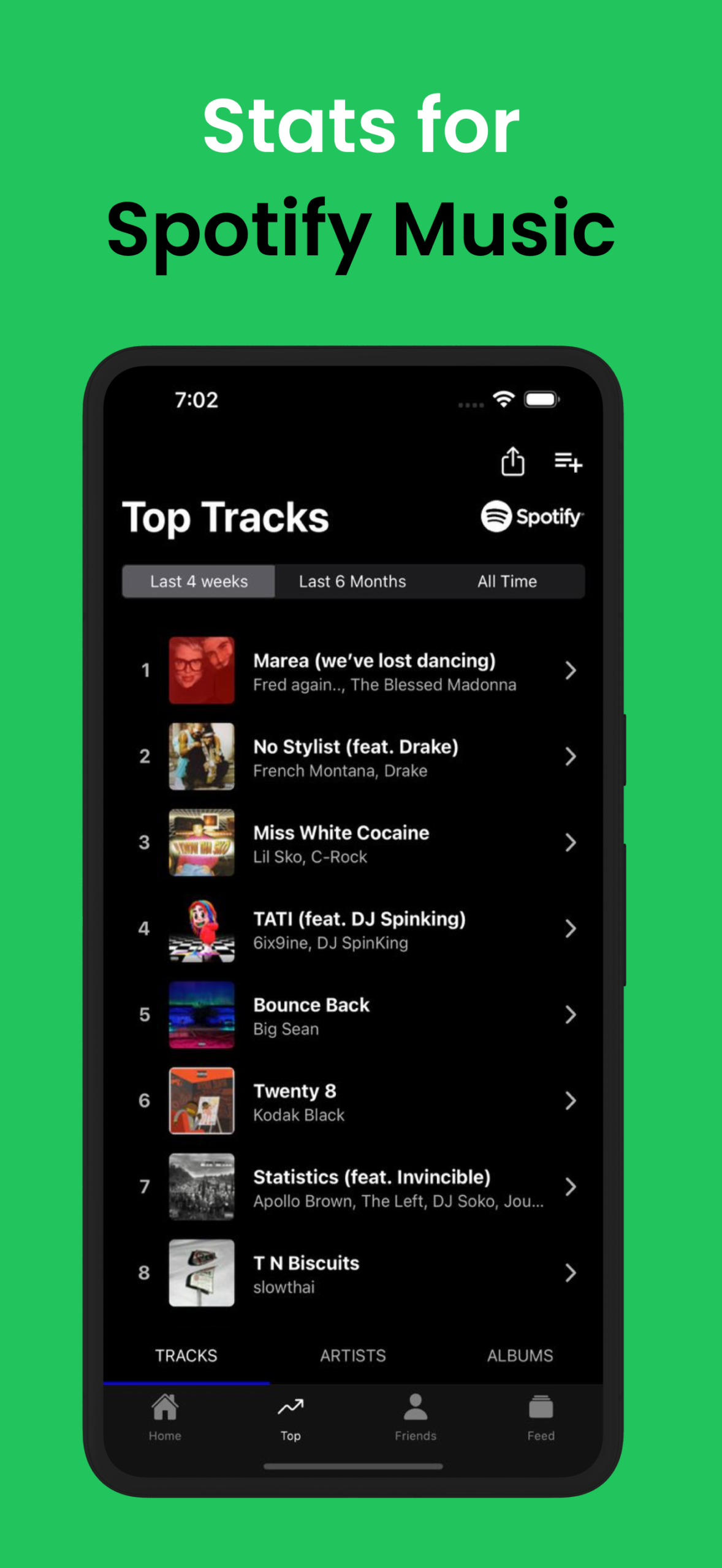
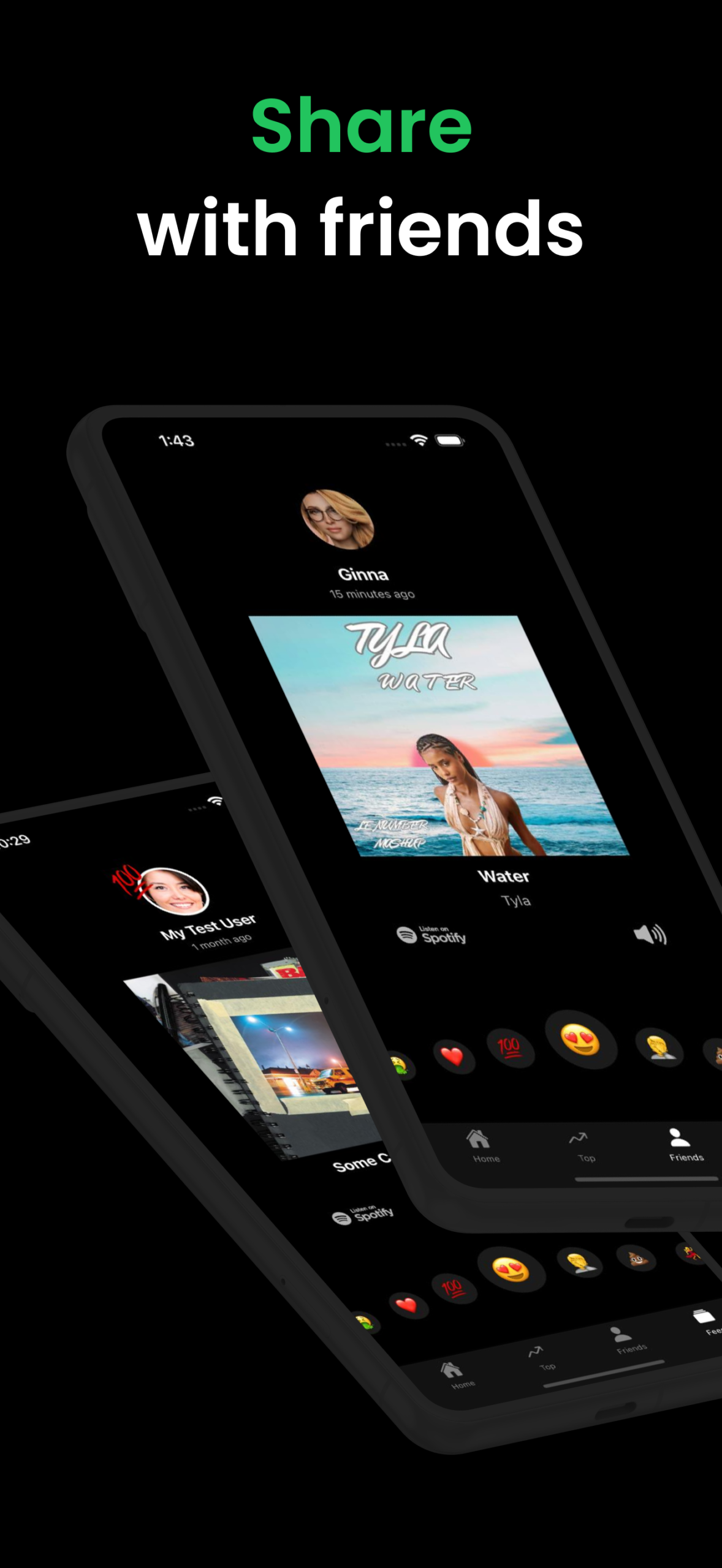
What's new
Version 1.0.4 is the newest build on APKBlade, updated 4 October 2026.
Transform your Spotify stats into fun, customized music receipts with just a tap!
What is Receiptify APK for Android?
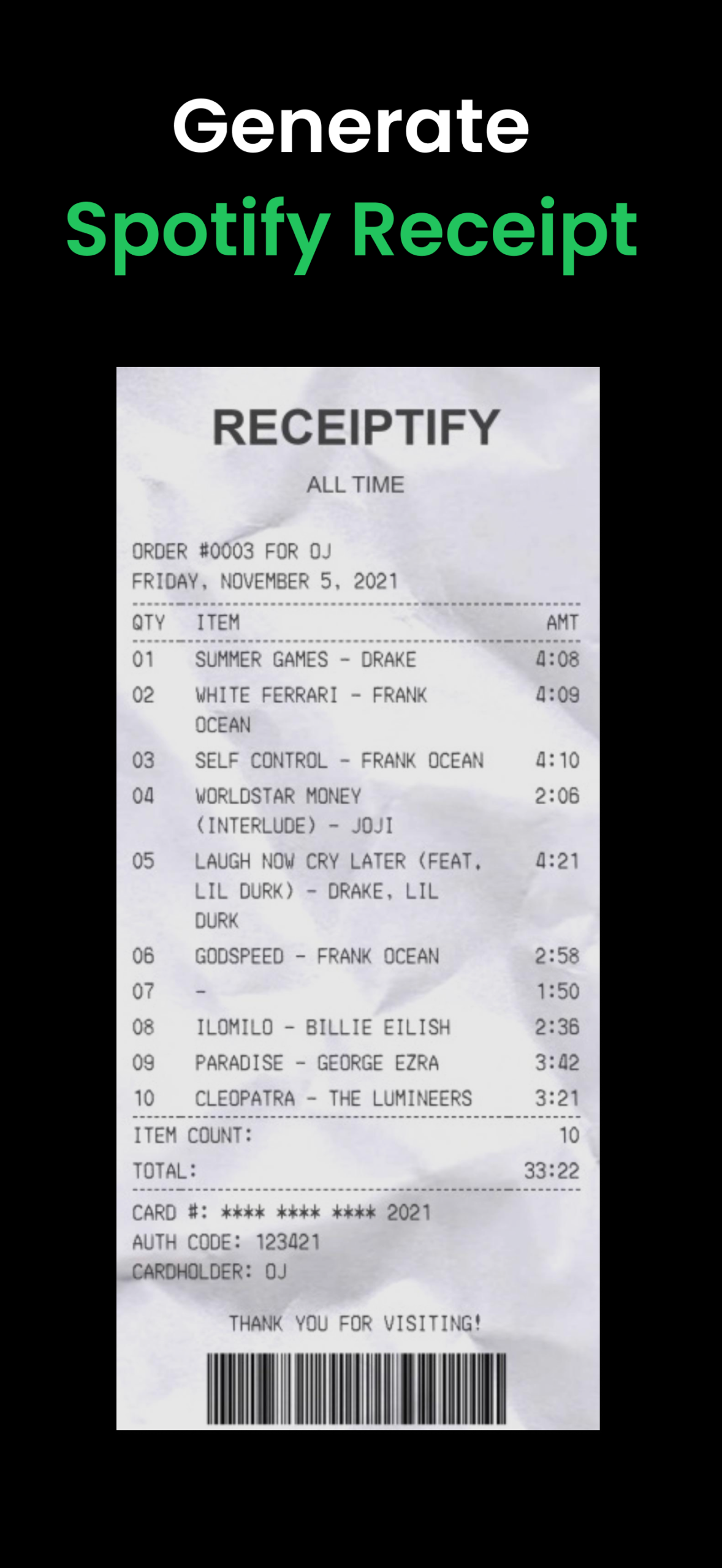
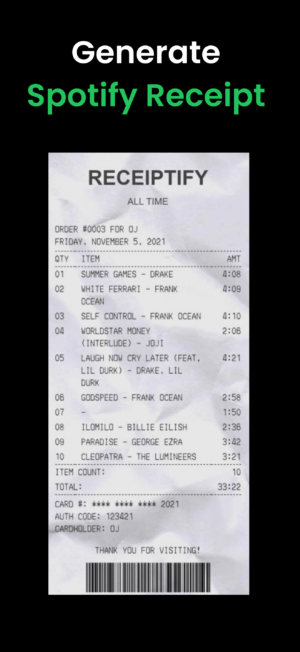
Receiptify APK is a fun and innovative app that turns your Spotify listening habits into a neat, printable receipt. Imagine going to a store and buying a bunch of songs, and then getting a receipt that lists them all. That’s exactly what Receiptify does, but with your music!
It’s like a snapshot of your favorite tunes, showing which songs and artists you’ve been jamming to the most. This app is perfect for music lovers who want to see their listening stats in a unique and creative way. Plus, it’s super easy to use, making it accessible for everyone.
How Does Receiptify Work?
Receiptify works by connecting to your Spotify account. Once you’re logged in, it analyzes your music library and creates a receipt based on your top tracks and artists. It’s like having a personal music assistant that keeps track of your listening habits.
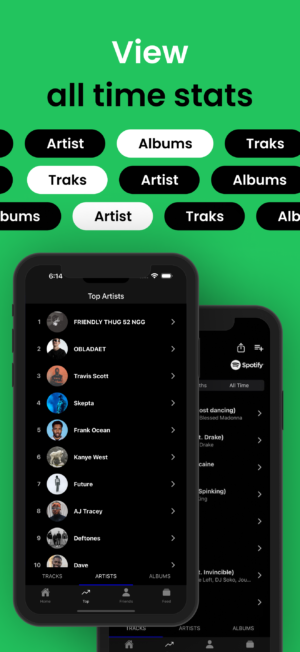
The app organizes your music data into a simple, easy-to-read format that looks just like a shopping receipt. You can customize the receipt to show your top tracks, top artists, or even search for a specific album. With just a tap, you can see a detailed analysis of your music preferences.
Features of Receiptify APK
Receiptify is packed with features that make it a must-have for music enthusiasts. Here are some of the highlights:
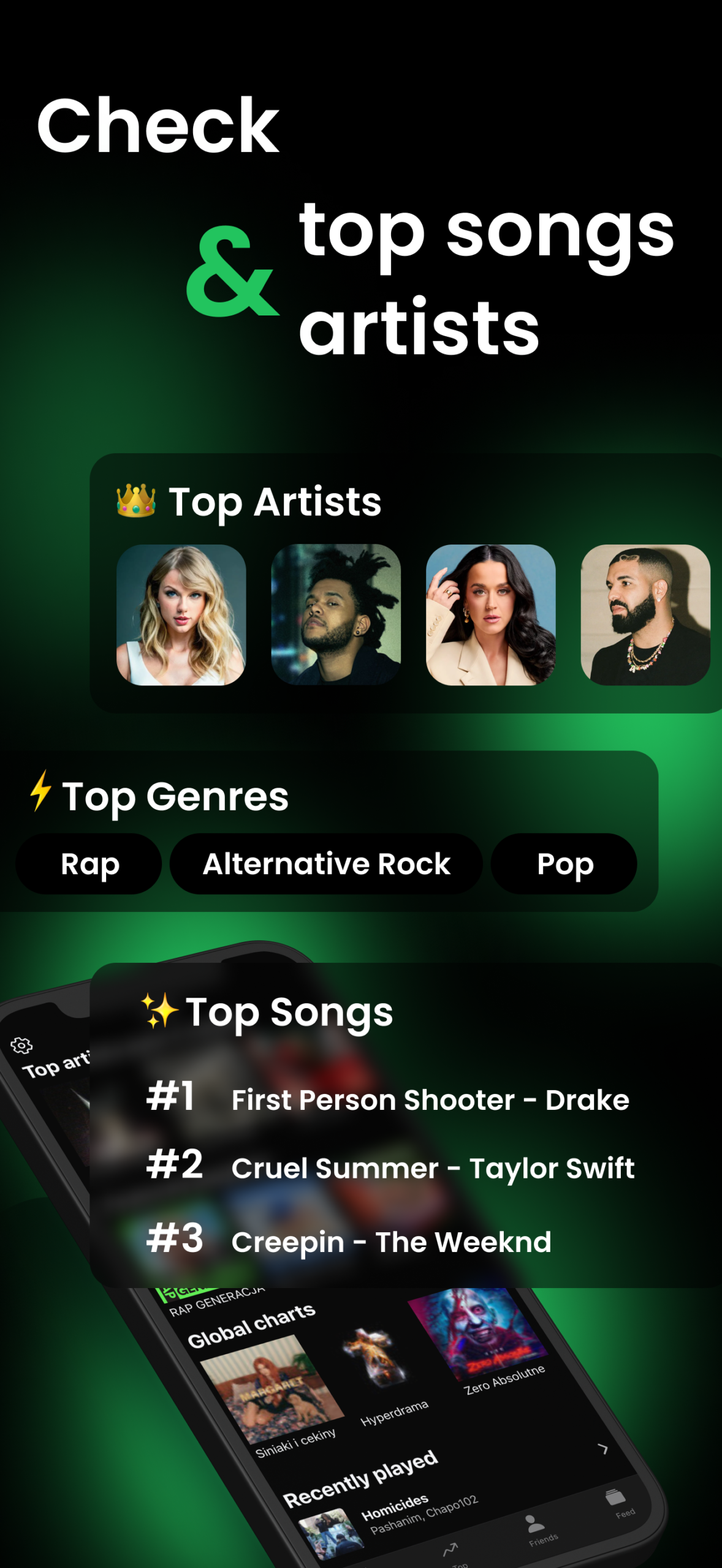
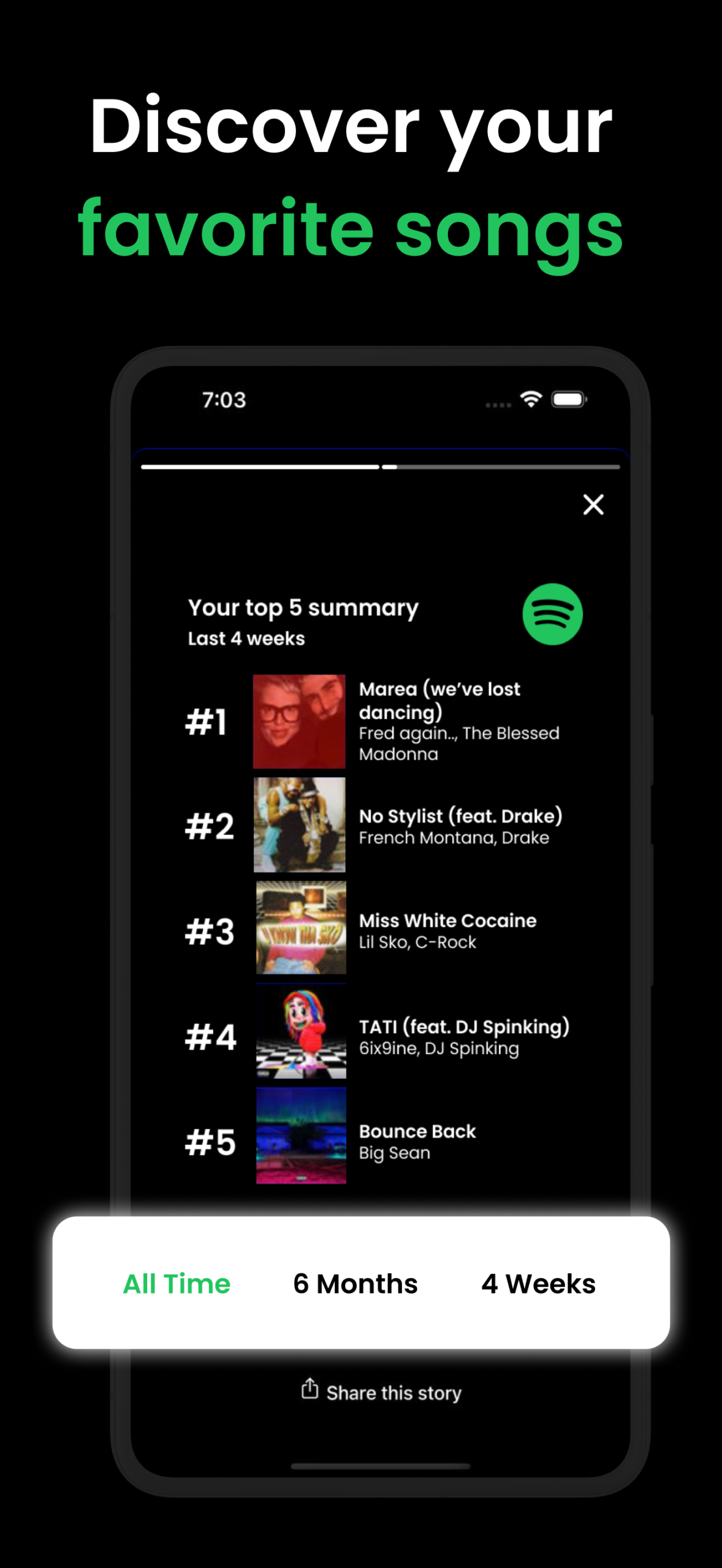
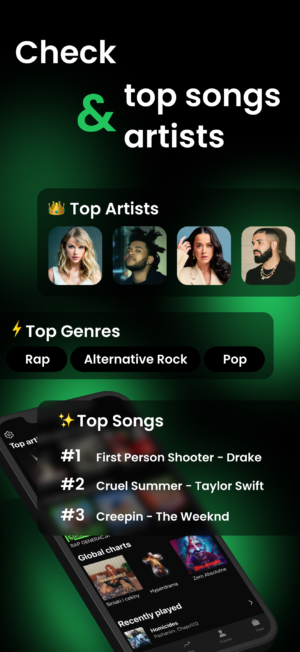
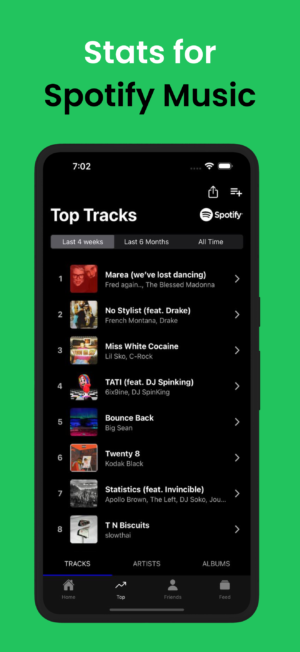
- Top Track Generator: See which songs you listen to the most.
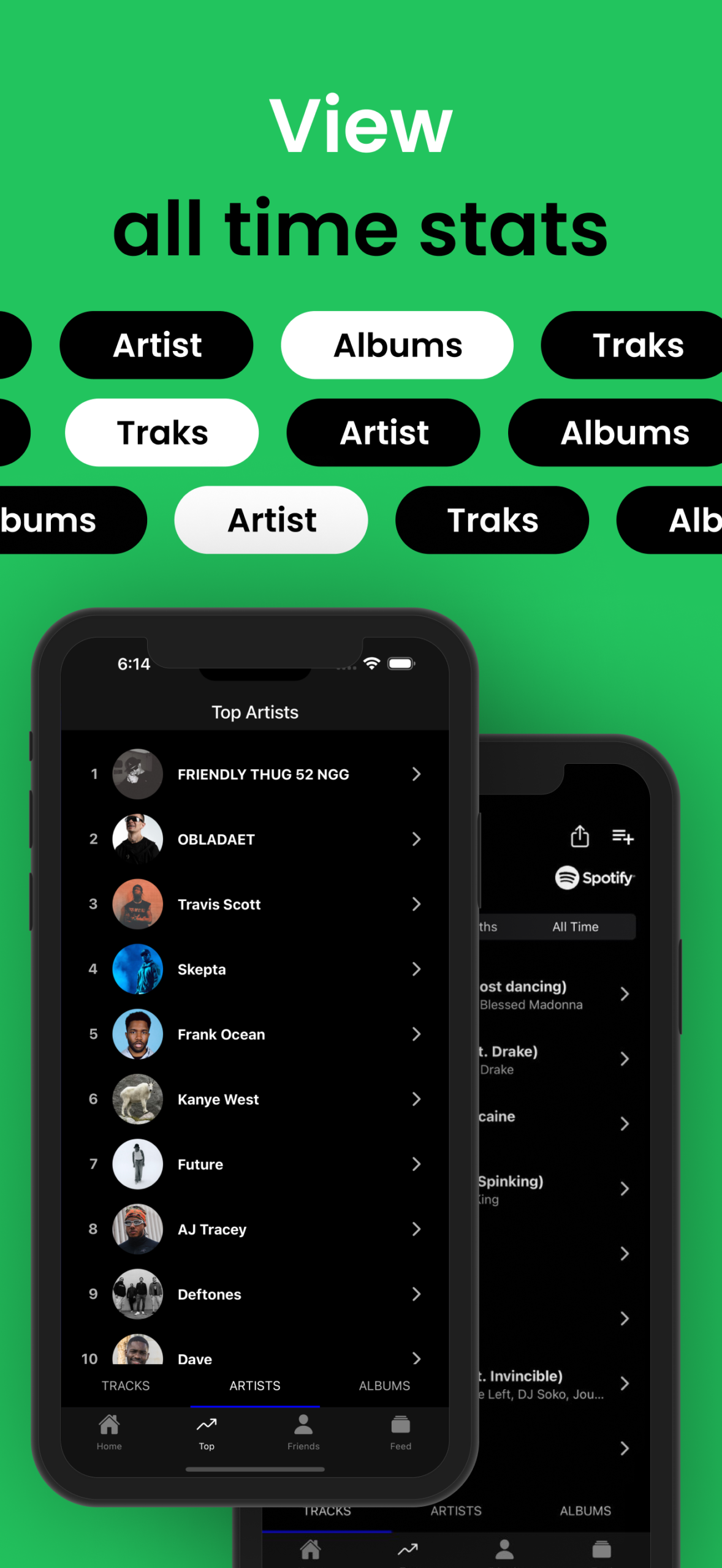
- Top Artists: Find out which artists are your favorites.
- Customizable Receipts: Personalize your music receipt to show exactly what you want.
- Metric Options: Choose between different metrics to display your music stats.
- Easy Access: Log in using your Spotify account for seamless integration.
- Free to Download: Enjoy all these features without spending a dime.
Why Use Receiptify?
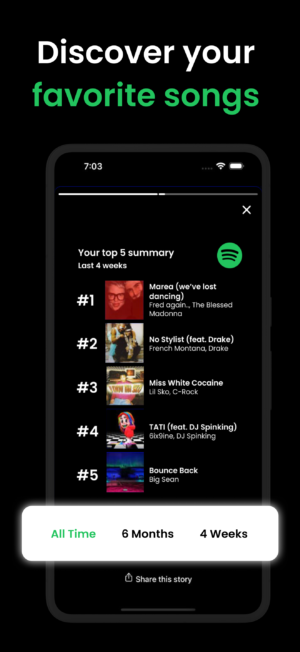
If you love music and want to keep track of your listening habits, Receiptify is the perfect app for you. It provides a fun and interactive way to view your Spotify stats.
Whether you’re curious about which songs you can’t stop playing or want to discover new artists based on your listening patterns, Receiptify has you covered. It’s also a great way to share your music taste with friends. Show off your unique music receipt and let others see what you’ve been listening to!
How to Download Receiptify APK for Android
Downloading Receiptify APK is a breeze. Follow these simple steps to get started:
- Check Compatibility: Make sure your Android device is compatible with the app. Receiptify requires Android version 5.0 or higher.
- Download the APK: Click the download button to download the latest version of Receiptify APK. The file size is 60.60 MB, so ensure you have enough space on your device.
- Install the APK: Once the download is complete, open the file and follow the on-screen instructions to install the app.
- Log in with Spotify: After installation, open Receiptify and log in using your Spotify credentials.
- Start Generating Receipts: Explore your music stats and start generating your personalized music receipts!
Is Receiptify Safe to Use?
Yes, Receiptify is safe to use. It only requires access to your Spotify account to generate music receipts. The app does not collect any personal information beyond what is necessary to analyze your music library.
Your data is kept secure, and you can log out of the app at any time if you choose to stop using it. Always ensure you download the APK from a trusted source to avoid any security risks.
Tips for Using Receiptify
To get the most out of Receiptify, here are some handy tips:
- Regularly Update: Keep the app updated to enjoy the latest features and improvements.
- Explore Different Metrics: Try different metrics to see your music stats from various angles.
- Share with Friends: Use the app’s sharing feature to show off your music receipts on social media.
- Customize Your Receipts: Personalize your receipts to reflect your unique music taste.
- Check for Updates: Keep an eye out for app updates to access new features and enhancements.
Frequently Asked Questions
What devices are compatible with Receiptify?
Receiptify is compatible with Android devices running version 5.0 or higher. Make sure your device meets these requirements before downloading the APK.
Can I use Receiptify without a Spotify account?
No, Receiptify requires a Spotify account to generate music receipts. You’ll need to log in with your Spotify credentials to access your music stats.
Is Receiptify free?
Yes, Receiptify is completely free to download and use. Enjoy all the features without any cost!
How often should I update Receiptify?
It’s a good idea to update the app whenever a new version is available. This ensures you have access to the latest features and improvements.
Can I share my music receipts with others?
Absolutely! Receiptify allows you to share your music receipts on social media, so you can show off your unique music taste to friends and followers.
Conclusion
Receiptify APK is a fantastic tool for anyone who loves music and wants to see their listening habits in a new light. It’s easy to use, free to download, and offers a creative way to view your Spotify stats.
Whether you’re a casual listener or a music aficionado, Receiptify provides a unique experience that will make you appreciate your music library even more. So, what are you waiting for? Download Receiptify APK today and start generating your music receipts!
More About Receiptify
| Name | Receiptify |
|---|---|
| Package Name | com.receiptify |
| Category | Music |
| Version | 1.0.4 |
| Size | 61.6 MB |
| Requires Android | 5.0 and up |
| Developer | Yahor V |
| Last Updated | 4 October 2026 |
How to Install Receiptify
- Tap the download button and let the file finish.
- Open the file from your notifications or the Downloads folder.
- If Android asks, allow your browser to install unknown apps.
- Tap Install, then open the app.
This download is a XAPK file. Follow the XAPK install guide.
FAQ'S
How to install Receiptify .xapk?
Simply download this XAPK Installer from Play store - Download. Open the XAPK Installer app & follow on screen instructions to install the XAPK.
I am getting Play Protect warning while installing!
Some mod APK files might get a warning. You can ignore this warning and install the APK file. Follow these simple steps to turn off Play Protect: Open Google Play app > Click Profile Icon > Select Play Protect -> Setting > Turn off both "Scan apps with Play Protect" and "Improve harmful app detection" options.
How to update APK without losing the data?
To update APK without losing the data, you don't need to follow anything extra. Click on the downloaded APK file and click the "Install" button. The app will update automatically without loss of data.
How to fix problems while installing/opening?
Make sure you have downloaded the file correctly. The downloaded file extension must end with .apk file. If you face any package install error, redownloading the file may fix the issue.


















Ratings and reviews
There are no reviews yet. Be the first one to write one.